Best AI Tools for Meditation Videos: Pictory, ElevenLabs
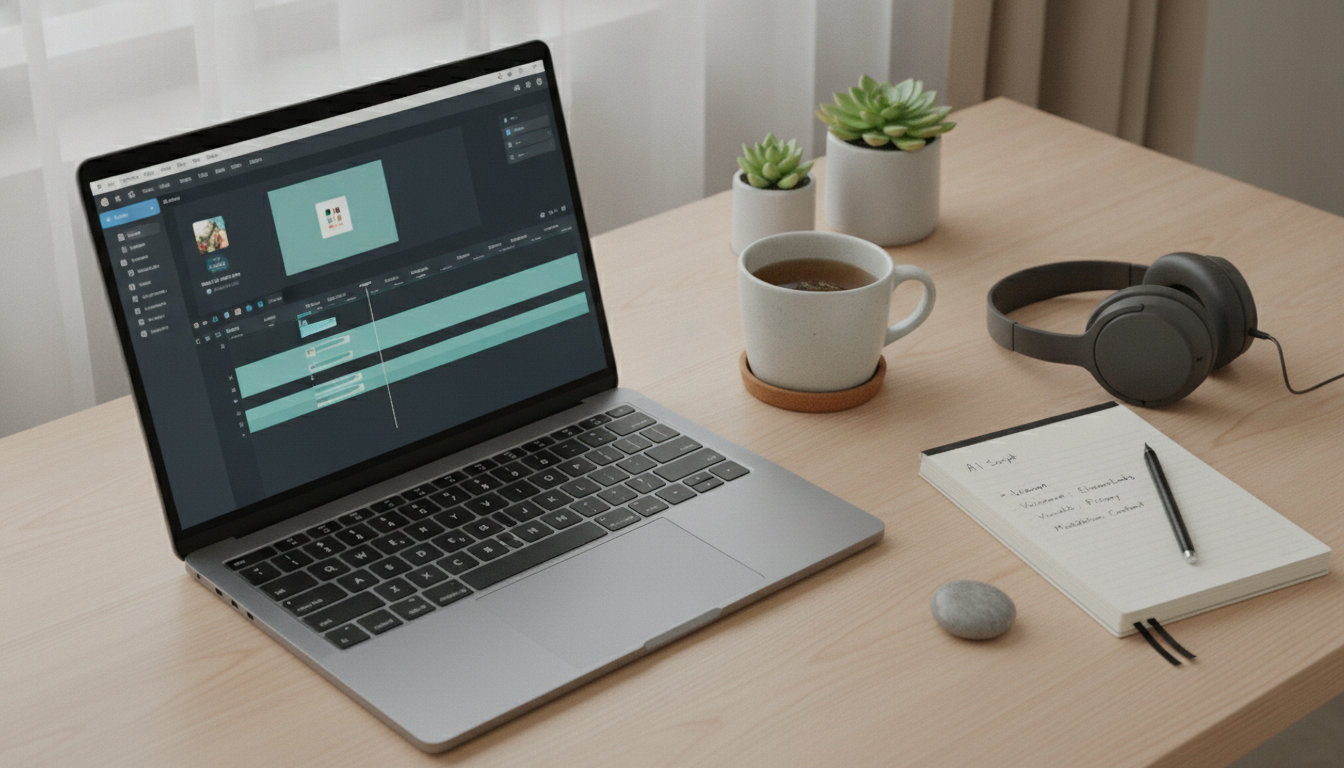
What is the best AI to create meditation videos?
The best AI to create meditation videos depends on what you want to generate: visuals, voiceover, music, or a full end-to-end edit. For most creators who want polished results without a steep learning curve, a strong “best overall” approach is pairing an AI video editor with an AI voice tool—then finishing with simple timing and audio mixing.
Best overall for quick, high-quality meditation videos
Pictory is a standout for turning scripts into calming, stock-based video sequences with automatic scene selection, captions, and easy pacing controls. It’s especially useful for meditation content because you can keep visuals slow, consistent, and minimal while maintaining a professional look.
Best for lifelike guided meditation voiceovers
ElevenLabs is widely used for natural-sounding narration, with fine control over tone, stability, and pacing. That makes it easier to create a soothing guide voice that doesn’t sound robotic or overly energetic.
Best for custom, AI-generated visuals
If you want dreamy, abstract, or cinematic imagery rather than stock clips, tools like Runway or Kaiber can generate stylized scenes that match meditation themes (breath, nature, soft light, slow motion). These are great for creating a signature aesthetic, but they can take more iteration to keep visuals consistent and flicker-free.
Best workflow for most meditation creators
A practical setup is: write a short script (or bullet points), generate narration in ElevenLabs, build the video in Pictory (or a similar editor), then add gentle music and a light ambient bed. Keep transitions subtle, avoid rapid cuts, and leave intentional silence so the viewer can breathe.
For a deeper breakdown of tools and options, visit https://epherian.com/what-is-the-best-ai-to-create-meditation-videos/.
FAQ
What copyright issues should I watch for in AI meditation videos?
Make sure you have commercial rights to every element—music, sound effects, stock footage, and voice models. Use licensed libraries or tools that explicitly grant commercial usage, and avoid imitating identifiable voices or using branded visuals without permission.











Leave a comment