Wondercraft AI for Beginners: Easy Audio Creation?
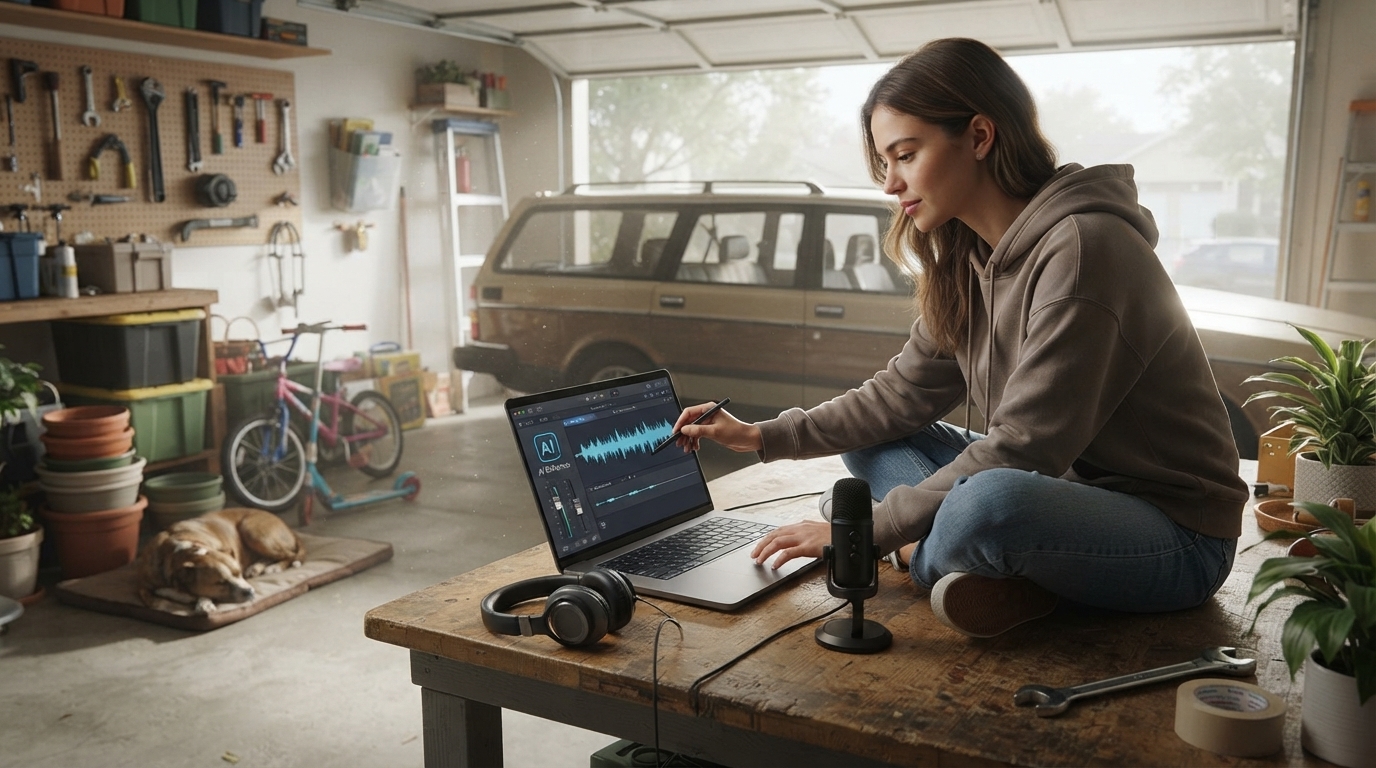
Is Wondercraft AI good for beginners?
Yes—Wondercraft AI is generally beginner-friendly, especially for people who want to create audio content without a steep technical learning curve. The interface is geared toward getting a first project out quickly, with guided steps that feel closer to assembling a polished draft than operating complex production software.
Why it feels approachable
Beginners typically benefit most from tools that reduce “setup friction,” and Wondercraft AI does that by keeping the workflow straightforward: start a project, add or generate a script, choose a voice, and export. Instead of forcing new users to learn mixing, mastering, or a maze of settings, it focuses on clear controls that make common tasks easy to find.
What beginners can do well with it
For short-form audio—like product explainers, ads, onboarding snippets, or simple podcast segments—Wondercraft AI can be a strong fit. New users can test multiple voice options quickly, iterate on wording, and produce an output that sounds consistent without spending hours troubleshooting audio quality.
Where beginners may still need time
Even with an easy tool, the “hard part” is often the content: writing a script that sounds natural and fits the desired tone. Some learners also need a bit of practice to avoid robotic pacing, mispronunciations, or awkward emphasis. Expect a short adjustment period while you learn how to edit phrasing and fine-tune delivery.
When it might not be the best first choice
If the goal is advanced sound design, multi-track music-heavy production, or deep control over every audio parameter, a more traditional audio editor may be a better long-term match. Wondercraft AI is strongest when speed, clarity, and ease of use matter more than granular engineering.
For a deeper walkthrough of what to expect as a new user, see the full guide here: https://epherian.com/is-wondercraft-ai-good-for-beginners/.
FAQ
What types of projects is Wondercraft AI best for?
It’s best for fast, repeatable audio projects like marketing clips, narrated product content, short podcasts, and internal training snippets where a clean voice track is the priority.













Leave a comment